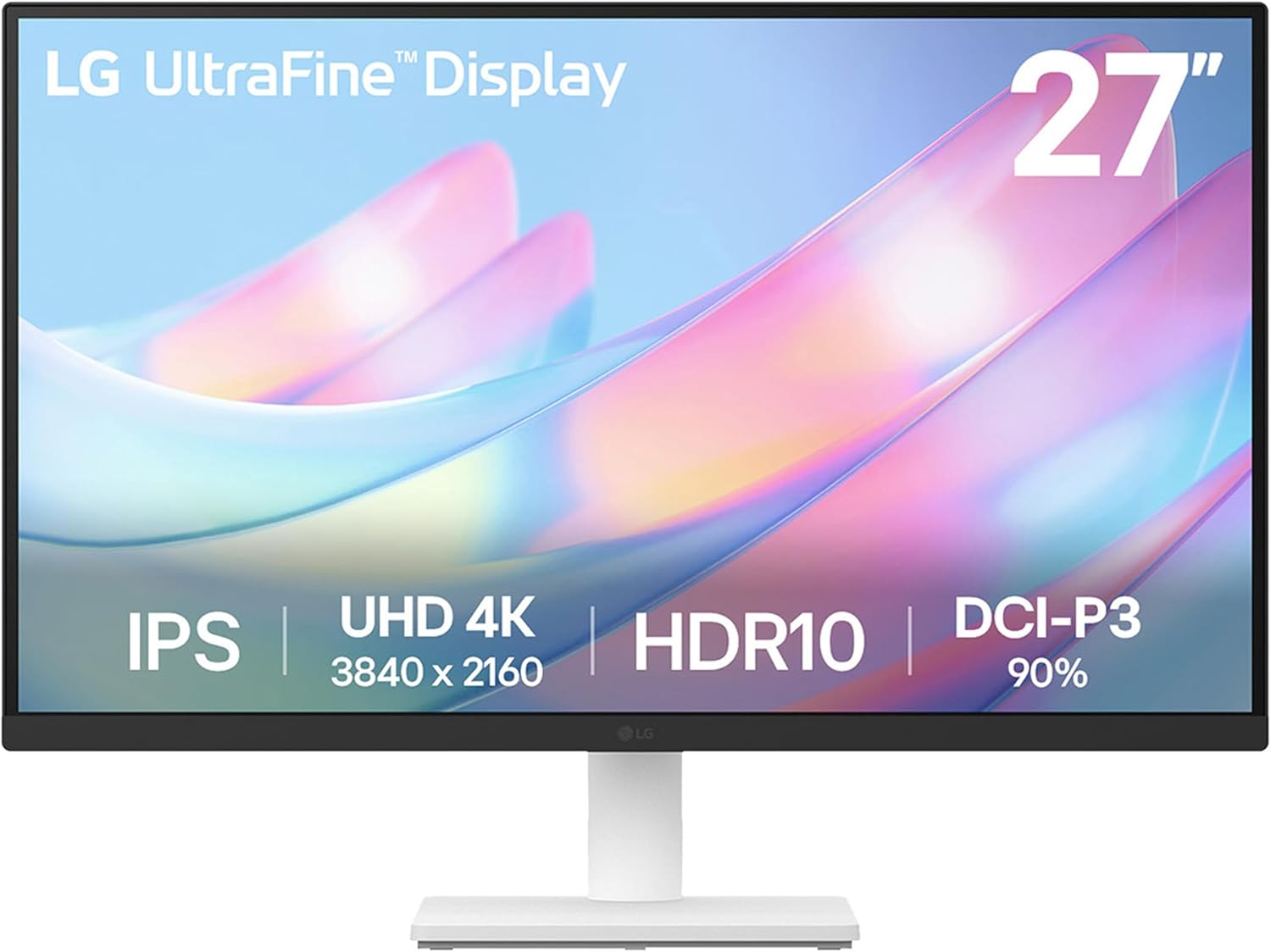
The LG 27US500-W is a 27-inch 4K IPS display that shows up a lot in budget Mac mini setups, mostly because it hits the UHD resolution and HDR10 checkboxes at a price well under the usual Apple-adjacent monitor tax. It's not trying to be a color-grading reference display — it's trying to be a solid everyday screen for a mini that's plugged into a desk, and based on aggregated Amazon feedback (424 reviews, 4.3/5), it mostly delivers on that narrower promise.
What buyers praise
- Sharp 4K resolution for the price. Reviewers consistently call out crisp detail and clarity, especially for office and coding work.
"Overall, I give this monitor 4 stars. It has great resolution, easy installation, and strong value for the price..."
- Good value. Multiple buyers frame this as a budget-friendly way to get into 4K, with one noting it's a meaningful upgrade over an older monitor without a big price jump.
- Easy setup. Plug-and-play compatibility gets called out repeatedly, including from someone swapping out a 24-inch display or mounting it via VESA.
"Great picture love the size and plug and play, but the monitor stand is lacking proper support- even when fully tightened the whole thing wobbles..."
Common complaints
- The stand is a weak point. This is the most consistent negative across reviews — described as flimsy, wobbly, and unstable even when fully tightened.
"stand is flimsy."
- Reliability is inconsistent. While many units work fine out of the box, a notable chunk of reviewers report the monitor failing within a month or not working at all.
"Does not work. Tried many times. Would not recommend. Sending back."
- Color accuracy varies by unit. Some buyers report accurate color and good temperature for coding and design work, while others notice a yellow tint creeping into grays.
Who it's for
This monitor makes sense for anyone pairing a Mac mini with a budget-conscious 4K display for general desk work — email, browsers, spreadsheets, light coding, casual creative work. If your priority is resolution-per-dollar and you're not chasing pixel-perfect color grading or a rock-solid stand out of the box, the sentiment data suggests most buyers are getting what they paid for.
Who it's not for
If you're doing serious photo or video color work where consistent, accurate color reproduction matters, the mixed feedback on color quality and the reported yellow-tint issue on some units is worth pausing on. Same goes for anyone who's precious about desk stability — if a wobbly stand would bug you daily, this is a known weak spot according to reviewers, and you may want to budget for a VESA mount arm from day one. The failure-within-a-month reports are also a signal to buy from a retailer with an easy return window rather than treating this as a set-it-and-forget-it purchase.
Our take
Our take: based on the aggregated feedback, this reads like a monitor that's genuinely good at the thing it's priced for — sharp, clear 4K for basic productivity — but the stand and unit-to-unit consistency issues are frequent enough that we wouldn't treat this as a worry-free purchase. If it's going in your Mac mini buying guide budget tier, pairing it with a cheap VESA arm and buying from a place with painless returns seems like the sensible move.