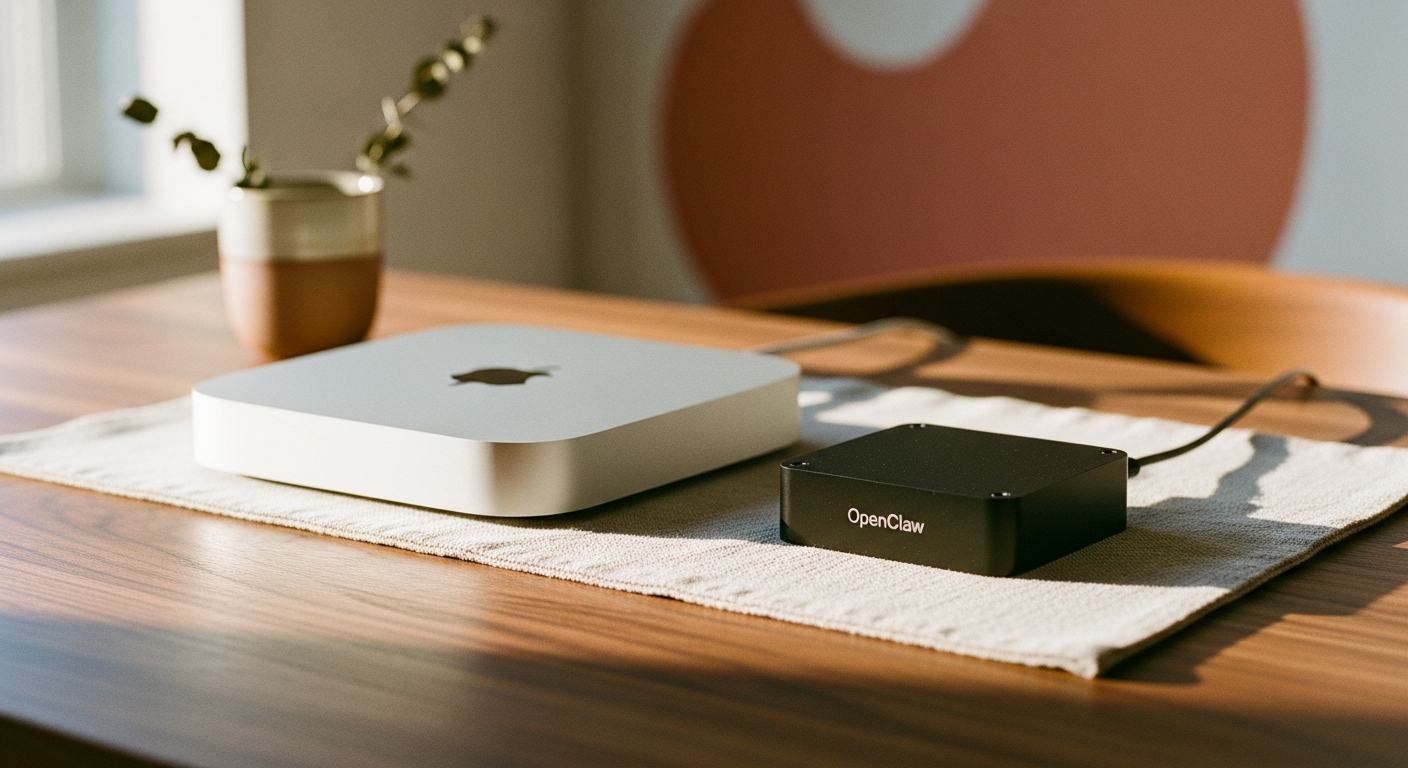
If you've spent any time in Mac mini forums or local-AI subreddits this year, you've probably tripped over OpenClaw. It's the open-source automation and agent framework that a lot of home-lab folks have latched onto for running local tasks, browser automation, and small AI-driven workflows off a single always-on box. The Mac mini keeps showing up as the machine people build around it, and honestly, some of that makes sense. Some of it is just hype. Let's sort out which is which.
What OpenClaw actually does
Strip away the forum excitement and OpenClaw is, at its core, a framework for chaining together small automated tasks — scraping, file organizing, scheduled jobs, basic agent-style decision making — often tied into a locally running language model instead of a cloud API. People use it to build things like automated inbox sorting, local research assistants, or home network monitoring that doesn't phone home to anyone's server.
The appeal isn't that it's magic. It's that it runs entirely on hardware you own, which means no subscription fees, no rate limits, and no sending your data through someone else's pipeline. That's a legit selling point, especially for anyone in the Pacific Northwest tech crowd who's already skeptical of cloud lock-in.
Why the Mac mini specifically
The obsession isn't random. The current M4 and M4 Pro Mac mini lineup hits a sweet spot for this kind of workload: unified memory that a local model runner like Ollama can lean on efficiently, low idle power draw for something meant to stay on 24/7, and a small footprint that doesn't turn your office into a server closet. A mini tucked under a monitor sipping maybe 10-20 watts at idle is a much easier sell than a tower rig humming away in the closet.
It's also just accessible. You don't need a rack, you don't need special cooling, and Apple silicon's efficiency means you're not paying a power bill that eats your savings. For a lot of people, that's the actual draw — not that the mini is uniquely powerful, but that it's a quiet, cheap, capable box that can run this stuff without becoming a second job to maintain.
The hardware reality check
Here's where the hype needs a gut check. If you're running OpenClaw with lightweight automation tasks and a small local model, a base M4 mini with 16GB of unified memory will handle it fine. But if you're planning to run larger local models alongside your automation stack, or you want multiple agents running concurrently, you'll feel the ceiling on 16GB fast. That's when the M4 Pro configuration with more memory actually earns its price bump.
Storage matters too. Local model files and logs pile up quicker than people expect, and a lot of newcomers underestimate this and end up juggling external drives within a month. If you're serious about this setup, spec more storage up front rather than bolting on an external SSD later — it's cleaner and it keeps read/write speeds consistent.