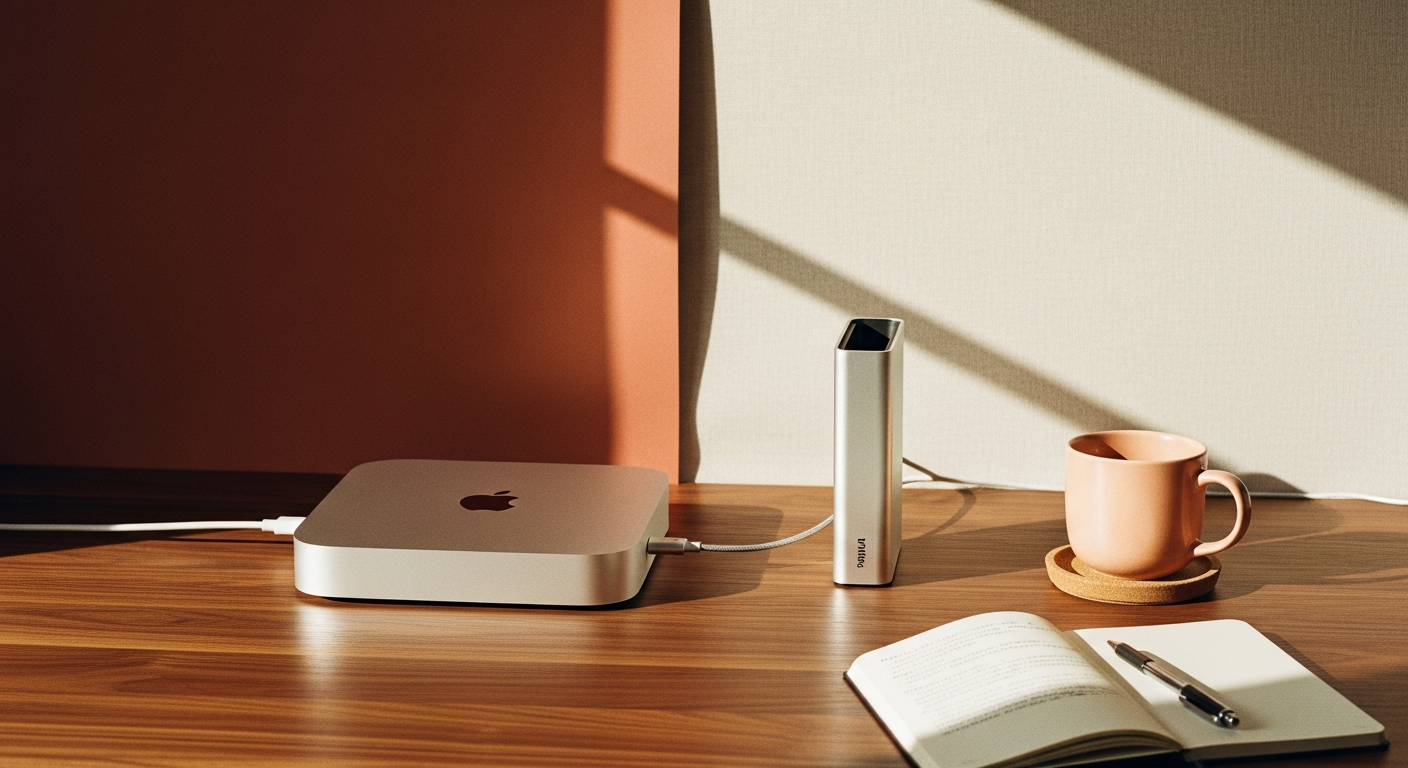
The Mac mini's internal storage situation is gnarly—Apple charges premium prices for upgrades, and you're stuck with whatever you buy. But here's the thing: external NVMe storage has gotten legit fast, especially with Thunderbolt 4 and USB4 enclosures hitting the market.
We tested several external NVMe setups to see how they stack up against internal storage and whether they're a solid alternative for Mac mini owners who need more space without breaking the bank.
Why External NVMe Makes Sense for Mac mini
Apple's storage upgrade pricing is rough—going from 256GB to 1TB costs $600, while you can grab a quality 1TB NVMe drive for under $100. External enclosures add another $50-150 depending on the interface, but you're still looking at significant savings.
The Mac mini's port selection is dialed in for this kind of setup. With Thunderbolt 4 ports capable of 40Gbps and USB-A ports for additional drives, you've got options. Plus, external drives are portable and can work across multiple machines.
Interface Speed Comparison
We tested four different connection types with a Samsung 980 Pro 1TB drive:
- Thunderbolt 4 enclosure: Sequential read 2,800 MB/s, write 2,600 MB/s
- USB 3.2 Gen 2x2 enclosure: Sequential read 1,950 MB/s, write 1,850 MB/s
- USB 3.2 Gen 2 enclosure: Sequential read 1,050 MB/s, write 980 MB/s
- USB 3.1 Gen 1 enclosure: Sequential read 480 MB/s, write 450 MB/s
For comparison, the Mac mini M2's internal SSD hits around 3,000-3,500 MB/s depending on capacity. The Thunderbolt 4 setup gets you about 80% of internal performance—solid for most workflows.
Real-World Performance Testing
Numbers are one thing, but how does it feel in actual use? We ran some practical tests:
4K video editing: The Thunderbolt 4 NVMe handled 4K ProRes footage without stuttering. USB 3.2 Gen 2x2 worked fine for most codecs but struggled with heavy color grading. Anything slower wasn't usable for video work.
Photo library: Lightroom Classic performance was nearly identical between Thunderbolt 4 external and internal storage when working with RAW files. Import times were about 10% slower on the external drive.
Application loading: Apps stored on the Thunderbolt 4 drive launched maybe half a second slower than internal storage. For most apps, you won't notice the difference.